
How to Build a SaaS Procurement Review Checklist for Security, Legal, and Finance Approvals: This checklist is for procurement teams that need a…
Last updated: November 18, 2026
Quick answer: use 3 approval gates — security, legal, and finance — and build the checklist so each gate has one owner, one evidence set, and one stop rule. A SaaS procurement review checklist for security, legal, and finance approvals works best when it gives procurement one clear path for standard SaaS buys; for unusual contracts, regulated data, or any deal that already needs counsel review from the start, consult a qualified professional. This article gives a general process for the U.S.-style approval flow, but rules vary by jurisdiction and this is not legal advice; a qualified lawyer should handle any real matter.
Key takeaways
- A good checklist is a gate, not a form. It should stop bad purchases before they reach signature.
- Security, legal, and finance each need different proof, so one shared intake form usually fails.
- The checklist should define who can approve, what evidence is required, and when a deal must pause.
- Standard SaaS buys can follow a shorter path; unusual data, payment terms, or contract terms need a stricter review.
- The quickest process is usually the one that asks for the right documents on day one, because it avoids back-and-forth.
Who is this for, and who should skip it?

This checklist is for procurement teams that need a repeatable approval path for a normal SaaS purchase, and teams should still consult legal or procurement counsel for edge cases. It assumes the buyer already has the vendor name, the product category, a budget owner, and enough product detail to start security, legal, and finance review in parallel. It also assumes the team wants a review sequence, not a pricing strategy or a security page audit. For related setup work, see the internal guide on SaaS vendor onboarding.
The right users are procurement coordinators, operations teams, and finance partners who need a simple gate before a purchase order, card payment, or contract signature, and they should confirm the process with a professional if the deal is unusual. It also fits vendor onboarding, where the company wants the same checks for every tool instead of ad hoc approvals that change by department.
It is not a good fit for one-off enterprise deals with custom terms, data residency demands, government procurement rules, or high-risk processing of sensitive data, and teams should consult counsel for those cases. Those cases need more legal input and often a more detailed risk review than a standard checklist can carry. If the vendor will handle regulated records, payment data, or other sensitive material, the checklist should slow the deal down, not speed it up.
However, a practical checklist also needs a benchmark. For security review, many teams map evidence to a known standard such as ISO/IEC 27001 or the NIST Cybersecurity Framework; for legal, the focus is contract terms and liability; for finance, the focus is cost, term, and billing controls. The NIST framework and ISO standard provide a common reference point for that split. That split keeps each reviewer from asking for the wrong proof. For a deeper term review, see SaaS contract terms.
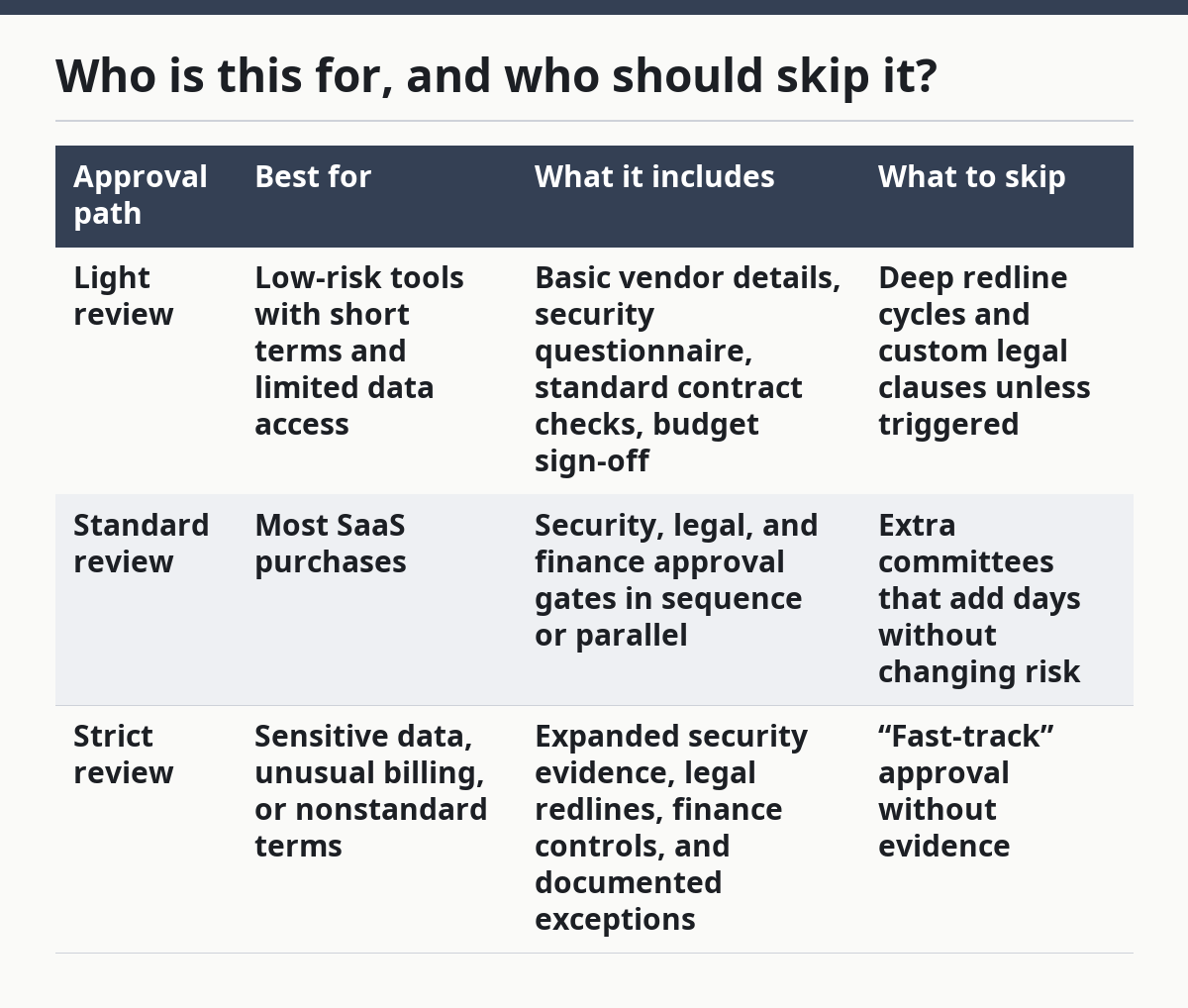
| Approval path | Best for | What it includes | What to skip |
|---|---|---|---|
| Light review | Low-risk tools with short terms and limited data access | Basic vendor details, security questionnaire, standard contract checks, budget sign-off | Deep redline cycles and custom legal clauses unless triggered |
| Standard review | Most SaaS purchases | Security, legal, and finance approval gates in sequence or parallel | Extra committees that add days without changing risk |
| Strict review | Sensitive data, unusual billing, or nonstandard terms | Expanded security evidence, legal redlines, finance controls, and documented exceptions | “Fast-track” approval without evidence |
How do you build the checklist step by step?
Therefore, you build the checklist by turning each approval stage into a required gate with one owner, one evidence set, and one stop rule. The goal is not a long form; the goal is a decision path that can be reviewed in 15 to 30 minutes for a routine deal and longer only when a risk appears.
- Define the intake field set. Require vendor name, product name, business owner, data type, contract term, and payment method in the first 1 page or form. Verify that the request includes a real business use, not just “needed by the team.” A missing owner or missing term is a problem because no one can approve cost, risk, or signature timing.
- Set the security gate first. Ask for the minimum security evidence the company accepts, such as a current SOC 2 report, ISO 27001 certificate, or an internal security questionnaire tied to NIST-style controls. Verify that the evidence is current and relevant to the service being bought. A problem shows up when the vendor sends marketing copy instead of controls evidence. For standards context, see NIST Cybersecurity Framework and ISO/IEC 27001.
- Set the legal gate second. Route the paper for review of the order form, master agreement, data processing terms, confidentiality language, and liability caps. Verify that the contract matches the business deal and that the reviewer has a redline path, not just an email thread. A problem appears when the vendor’s template leaves no room for edits or pushes terms that conflict with company policy. For contract workflow context, see SaaS legal review checklist.
- Set the finance gate third. Require price, billing schedule, renewal term, tax treatment if relevant, and approval of the budget owner. Verify that the total commitment matches the budget line, not only the first invoice. A problem shows up when the first year is cheap but the renewal or expansion path is not approved.
- Define approval order and parallel review. For a routine buy, run security, legal, and finance at the same time; for a riskier buy, make legal wait until security clears. Verify that the process names the order and the backup approver for each gate. A problem appears when everyone thinks someone else owns the decision.
- Add exception handling. Create a written exception path for one-off issues, with a named approver and a reason code. Keep the exception short, usually no more than one page. Verify that exceptions are logged, because untracked exceptions turn into policy drift.
- Set the closeout step. Require vendor onboarding, contract storage, purchase order release, and renewal calendar entry before approval is marked done. Verify that the signed contract and final terms are stored in one place. A problem appears when the deal is “approved” but nobody can find the signed paper 3 months later.
So that sequence works because it reduces rework. Security should not spend time on a vendor that legal will reject, and finance should not approve a budget for a contract that legal has not cleared. The best checklist makes those failures visible early.
What should the security team check?
However, the security team should check whether the vendor’s controls match the data and access the SaaS product will handle. That review usually looks at identity controls, encryption, logging, access limits, incident response, and whether the vendor can support the company’s risk baseline.
A useful checklist names the evidence, not just the topic. Ask for the vendor’s security packet, a current SOC 2 report if available, an ISO 27001 certificate if the vendor has one, and answers to a short questionnaire that maps to the company’s control set. If the company uses a framework like the NIST Cybersecurity Framework, the checklist can mirror that structure without turning into a full audit. For example, a request for a current report is more useful than a request for “good security.”
The check should also define the trigger points. A product that stores no sensitive data may only need standard controls. A product that touches personal data, account data, or internal files should trigger a deeper review of access controls, retention, and incident notice. The review should also ask whether the vendor uses subprocessors and whether those subprocessors are disclosed.
A common mistake is to ask for “security approved” without naming the standard. That creates long debates later. A better rule is simple: if the product cannot show the required evidence, the approval stalls until the gap is closed or the risk owner accepts the exception.
What should legal approve?
Therefore, the legal team should approve the contract terms that can change liability, data rights, or exit rights. That includes the order form, master agreement, data processing addendum, confidentiality clause, indemnity language, limitation of liability, renewal terms, and any assignment or audit language.
This review is usually about risk allocation, not product quality. Legal is checking who carries the cost if the service fails, how data is handled, what happens on termination, and whether the company can get its data back. The checklist should make those items explicit so the reviewer does not need to hunt through 20 pages of vendor paper.
The most useful legal gate also flags when to slow down. A contract that uses the vendor’s standard form may be fine for a low-risk buy, but a contract with special data use rights, wide publicity rights, or a one-sided auto-renewal clause needs closer review. The checklist should not promise a yes or no outcome; it should make the issue visible before signature.
A practical detail matters here: legal review should be tied to a named contract version. If the vendor sends a revised draft, the checklist should require a fresh review of the changed pages. Without version control, the team may approve one draft and sign another.
What should finance approve?
Meanwhile, the finance team should approve cost, billing timing, renewal exposure, and payment controls. That review should confirm the price, currency if relevant, term length, invoicing schedule, and the budget holder who will own the spend.
Finance should also look for hidden cost movement. A low first-year fee can still create trouble if the renewal term changes, the seat count can expand without notice, or the contract allows charges that were not budgeted. The checklist should require a total commitment view, not just the first invoice amount.
The finance gate should also define who can use a corporate card, a purchase order, or invoice billing. That matters because the payment method often determines how well the company can enforce spend controls later. If the vendor needs upfront payment, the checklist should force a clear approval path before money leaves the account.
One good finance rule is to require a renewal reminder in the vendor record before approval closes. That does not predict the renewal result; it just prevents surprise invoices and gives the business time to review the terms again. For budgeting context, keep the finance review tied to the same record used in vendor risk management.
When should the checklist stop the deal?
Therefore, the checklist should stop the deal when the risk or contract shape falls outside the standard approval path. In those cases, speed is the wrong goal and the checklist should force escalation.
No named business owner: there is no accountable approver — send the request back until a business owner is named and a budget holder signs off.
Unclear data handling: the vendor cannot explain what data it processes or stores — pause the review until the data flow is clear, because security and legal cannot assess an unknown scope.
Nonstandard contract terms: the vendor will not accept any edits to liability, data rights, or termination language — route to legal escalation, since the company may be accepting more risk than policy allows.
Missing security evidence: the vendor cannot provide the required controls proof within the company’s standard 1-page or questionnaire process — hold approval until the gap is closed or the risk owner documents an exception.
Budget mismatch: the spend exceeds the approved budget or the renewal path is not funded — stop the finance gate and re-approve the deal structure before signature.
Unusual payment terms: the vendor asks for prepaid annual fees, early renewal, or a billing setup that bypasses normal controls — slow the process and route it to finance review, because cash timing can change the whole risk picture.
What mistakes slow the process down?
However, the biggest mistakes are usually process mistakes, not knowledge gaps. A checklist that looks complete on paper can still fail if it asks the wrong person, asks too late, or asks for the wrong proof.
One common error is using one form for every department. Security, legal, and finance do not answer the same question, so a single catch-all form creates noise and delay. The better alternative is one intake with three clear review lanes.
Another error is leaving approval order vague. If the team does not know whether legal or security goes first, the deal stalls in email. The fix is to name the gate order on the checklist and allow parallel review where risk is low.
A third error is approving the vendor before the contract is final. That can create a false sense of completion, especially when the signed paper later changes key terms. The safer alternative is to tie approval to a named document version.
A fourth error is skipping closeout. If vendor onboarding, contract storage, and renewal tracking are not part of the checklist, the approval is only half done. A checklist that ends at “yes” is unfinished.
A fifth error is trying to make the checklist do pricing analysis. This page is about approval flow, not how to read screenshots, public pricing pages, or renewal triggers. Those are separate reviews and should stay on separate pages so the process does not mix evidence types. For pricing work, see SaaS pricing guide.
How should the checklist change for special cases?
Because of that, the checklist should change when the deal has sensitive data, cross-border terms, or a nonstandard payment model. Those cases need a longer path, not a new philosophy.
If the vendor processes personal data, add a privacy review step and check whether the data processing terms match the transfer and retention model. If the service touches regulated records, add a mandatory legal escalation before finance approval. If the contract is governed outside the company’s usual jurisdiction, the legal gate should note that local rules may change the result and may require local counsel.
If the vendor wants a multi-year commitment, the finance gate should review both the first-year cost and the later term. If the vendor allows seat-based expansion, the checklist should ask who can add seats and who approves the added spend. If the vendor is being bought through a reseller or marketplace, the checklist should name the true contracting party before legal signs off. For related purchasing flow, see software procurement process.
The standard checklist still works in these cases, but it needs one more rule: if the case does not fit the normal pattern, it should not be forced through the normal path.
Finally, the hub on SaaS contract terms and renewal is the better next stop. That is where the deeper term-level review belongs, not here.
Drafted with AI; not yet reviewed by a person.