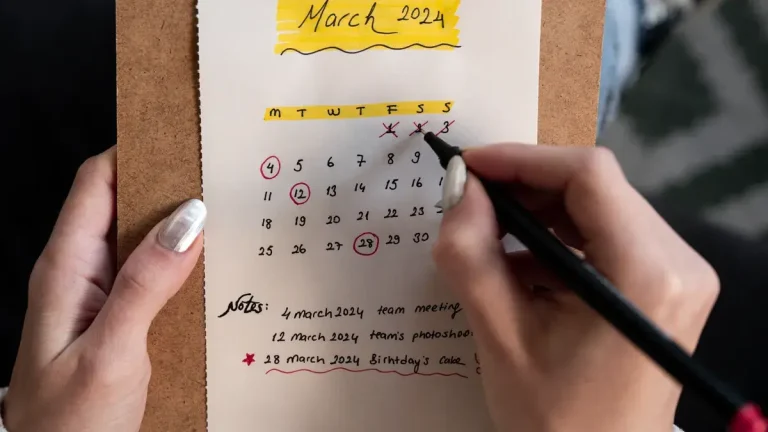
Build a SaaS release announcement archive for blog posts, emails, and in-app messages in 8 steps: one record per announcement, one shared date standard…
Last updated: November 18, 2026
Quick Answer: Build a SaaS release announcement archive for blog posts, emails, and in-app messages in 8 steps: one record per announcement, one shared date standard, one retrieval rule, and one version history field. In this guide to How to Build a SaaS Release Announcement Archive for Blog Posts, Emails, and In-App Messages, you will keep blog posts, release emails, in-app messages, and product updates in one place so you can find the latest version fast.
A release announcement archive is a single place to store blog posts, release emails, in-app messages, and product updates so you can find the latest version fast. Build it with one record per announcement, a date field, a channel field, a version history field, and rules for retrieval. For date formatting, use a shared standard such as RFC 3339 or RFC 5322; if you need legal-grade evidence or a formal retention policy, consult a records-management or compliance professional.
Key takeaways
-
Store each release announcement as one record, even if it appears in three channels.
-
Capture publication date, channel, version history, and the exact message text.
-
Keep one retrieval rule for people and one for tools so searches do not drift.
-
Use a shared date standard like RFC 3339 or RFC 5322 so dates sort the same way everywhere.
-
This archive is for storage and retrieval, not for audit proof or claim review.
What should a release announcement archive do?
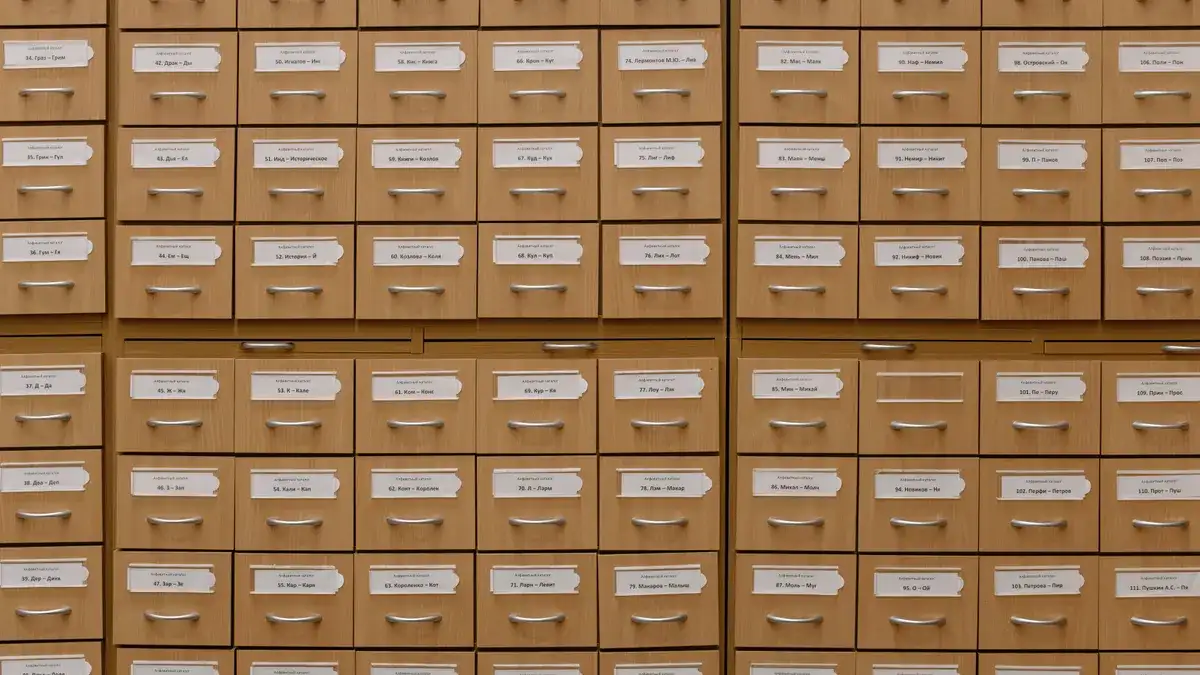
A release announcement archive should let a reader find the right blog post, email, or in-app message in under a minute. It should also show which version was live on which date, so a product update from March does not get confused with the edited copy from April.
This archive is not a source audit trail, a change log, or a launch narrative map. Those belong on other pages in this cluster. Here, the job is simpler: collect release emails, in-app messages, blog posts, and marketing announcements, then make them easy to search by date, channel, product area, and version.
The cleanest model is a record for each announcement with a stable ID, title, channel, publication date, and current status. Add a short summary and the full message body if the content is small enough to store inline, or a pointer to the file if it is long. Use one date format across the archive, such as RFC 3339 for system fields or RFC 5322 for email headers, so sorting does not break when different teams enter dates by hand.
This page is for people who need a working archive, not a compliance vault. If you need legal-grade evidence or a full capture trail, this design is not enough on its own.
How do you build the archive step by step?
You build the archive by setting one schema, one storage path, and one retrieval rule before you import the first announcement. That keeps blog posts, release emails, and in-app messages aligned from day one.
-
Notion or Airtable: define the record fields. Create fields for announcement ID, product name, channel, publication date, version number, headline, body, and source URL. A plain schema with 7 to 9 fields is enough to stop the archive from becoming a junk drawer.
-
Google Drive or SharePoint: choose the storage home. Store files in one place, then link to them from the archive record. If the message body is copied into the archive, keep the original file path too, so the text and the source do not split apart.
-
Airtable or spreadsheet filters: set channel capture rules. Tag every record as blog post, release email, in-app message, or marketing announcement. One channel per record keeps search filters simple, while a multi-channel field can be used for one launch that appeared in more than one place.
-
A timestamp field in RFC 3339 format: record the publication date. Save the date as a sortable value, not as free text. A format like 2026-11-18 or a full date-time string keeps monthly views, timeline views, and exports from mixing formats.
-
A version field: store each edited release message. Add version 1, version 2, and so on when the wording changes after publication. If the blog post and the release email differ, keep them as separate channel records tied to the same release ID.
-
Search filters: define retrieval rules. Make the default filters product, channel, date range, and version. A reader should be able to find “all in-app messages for product X in Q2” without scanning dozens of unrelated launch notes.
-
A naming convention: label files the same way every time. Use the same pattern for every file name, such as product-channel-date-version. This avoids duplicate titles like “final,” “final-2,” and “final-updated,” which are hard to sort and easy to miss.
-
A review queue: check new records before they go live. Put new entries in a draft state until title, channel, date, and version are filled in. A 2-step review is enough for most archives and catches the empty records that make search unreliable.
Which fields matter most?
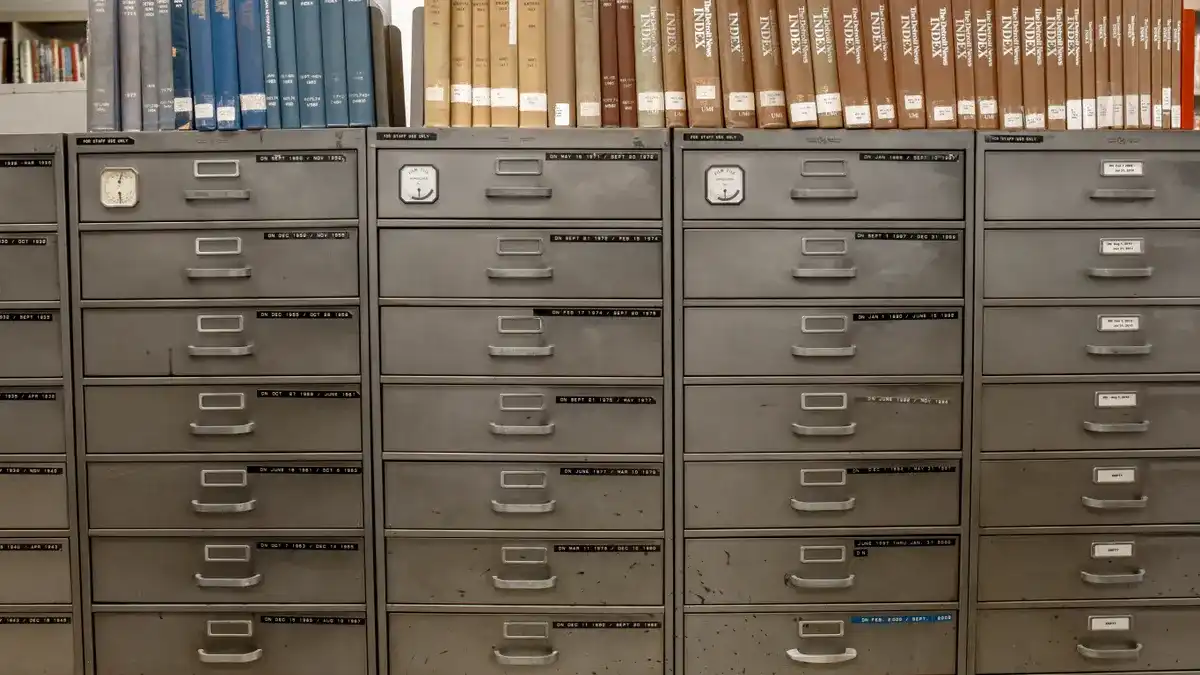
The most useful fields are the ones that answer who, what, when, where, and which version in one glance. If a field does not help retrieval within 30 seconds, it probably does not belong in the first version of the archive.
Field
Why it matters
Good practice
Release ID
Ties blog, email, and in-app copy to one launch
Use one stable ID across all channels
Channel
Separates blog posts from release emails and in-app messages
Use fixed labels, not free text
Publication date
Makes time-based searches possible
Use one date format across the archive
Version history
Shows which message changed and when
Number each edit, even small ones
Message body
Preserves the actual wording
Store the full text or a linked file
Source URL or file path
Points back to the original content
Keep the path with the record
Product area
Helps teams filter by feature
Use one controlled list
Status
Shows draft, published, or superseded
Keep superseded items visible but inactive
A generic archive often tries to store too much. Long notes, campaign scores, and editorial comments make search slower and blur the record. Start with the fields above, then add more only when a real search need appears.
How do you keep blog posts, emails, and in-app messages aligned?
You keep them aligned by treating each channel as a version of the same release event, not as three separate announcements. If your team needs a legally defensible archive or a formal governance model, consult a records-management or compliance professional before you standardize that structure. That means one release ID, one date rule, and one cross-reference for the blog post, the release email, and the in-app message.
The trade-off is simple. If you store only one master record, it is easier to manage but harder to compare channel differences. If you store each channel as its own record, you get better search and version control, but you have to maintain links between related items.
Use this comparison to choose the structure:
Model
Best for
Drawback
One master record with channel links
Small teams with few launches
Harder to search channel-by-channel
One record per channel linked by release ID
Teams that publish across blog, email, and in-app
Needs stricter naming and linking
One record per published asset with shared tags
Large archives with many updates
Easy to duplicate if tagging is weak
For most SaaS teams, one record per published asset with a shared release ID is the easiest starting point. It keeps release emails separate from blog posts, while still making it possible to see the full launch story from one product update. If the archive only covers one channel, it will fail the first time a launch is announced in two places on the same day.
What retrieval rules should you set first?
You should set retrieval rules before the archive grows past a few dozen entries, because search breaks when every team member looks for the same announcement in a different way. The point is not just storage; it is fast, repeatable retrieval.
Make the first retrieval rules about the fields people actually use: product, channel, publication date, and version. If a person can ask for “all blog posts for product A in May” and get the right records, the archive is doing its job.
Use one rule for humans and one for systems. Humans need filters that match how they think, such as channel and month. Systems need structured dates and stable IDs so exports, dashboards, and saved searches do not drift.
A useful rule of thumb is to keep the first screen short. Show title, channel, date, and version in the list view, then open the full message body only when someone clicks through. That keeps the archive readable on a phone and avoids turning every search into a wall of text.
What gets in the way?
The biggest mistake is mixing archive work with editing work. If the same table holds draft copy, live copy, and final archive records, the result is confusion and duplicate versions. A release announcement archive should store the approved message and its history, not a working draft pad.
Another common mistake is using free-text dates. A field that says “last Tuesday” or “early May” may feel human-friendly, but it makes sorting and filtering unreliable. Use a fixed date format and keep time zones consistent when the message time matters.
A third mistake is skipping channel labels because the content feels obvious. A blog post and an in-app message may share the same product update, but they do not serve the same job. Without channel labels, the archive loses the ability to show how a release was announced across formats.
The last mistake is burying old versions. If you delete superseded copy, you lose the ability to see how the announcement changed between drafts and final publication. Keep old versions visible, mark them inactive, and link them to the current record. That gives the archive continuity without making the active list messy.
Where do you draw the line?
You stop at storage, retrieval, version history, publication date, and channel capture. Anything beyond that starts to turn the archive into a different system, such as a change log, source audit trail, or launch narrative map.
That boundary matters because this page is for long-term access to announcements, not for proving where every claim came from or when every line changed. If the archive starts to answer every launch question, it becomes harder to maintain and easier to misuse.
A practical archive is usually boring in the best way. It should hold blog posts, release emails, in-app messages, marketing announcements, and product updates in a shape that survives turnover, busy weeks, and repeated searches.
For related work on the broader topic, this archive sits inside the release-intelligence stack described by the site’s hub on SaaS product launch intelligence and release tracking.
How do you archive release announcements across channels?
You archive release announcements across channels by giving every launch one release ID and then storing each published asset under that ID. The blog post, release email, and in-app message can sit as separate records, but they should point to the same event so search results stay connected.
What belongs in a release announcement archive?
A release announcement archive should include the channel, publication date, version history, title, message body, and source link or file path. It should also include enough product context to separate one feature release from another, but not so much extra data that retrieval slows down.
How do you keep release messages versioned?
You keep release messages versioned by numbering each published edit and preserving the prior text. Version 1, version 2, and superseded status are usually enough for most archives, as long as the date and channel stay attached to each version and the current record remains easy to find.
Drafted with AI; not yet reviewed by a person.