How to Build a SaaS Tag Governance System for Indexing, Naming, and De-duplication: A SaaS tag governance system keeps tags, category archives, and…
Last updated: November 20, 2026
A SaaS tag governance system keeps tags, category archives, and canonical urls from turning into duplicate pages and split signals. It works best when the cms enforces naming rules, indexation rules, and retirement rules before a tag page goes live.
Key takeaways
- A tag system needs rules for creation, indexing, cleanup, and retirement, not just a list of labels.
- Tag pages should earn indexation on purpose, not by default.
- One naming standard and one de-duplication pass prevent most tag clutter in a cms.
- Category archives and tag archives should not do the same job.
- The cleanest system is the one a team can apply the same way after 6 months, not just on launch week.
What problem does a tag governance system solve?
A tag governance system solves the problem of tag pages multiplying faster than the site can control them. In a SaaS blog, one person may add “pricing,” another may add “price,” and a third may add “pricing page,” which creates three archive pages that all chase the same search idea.
That is not a taxonomy project on this page; it is an indexing and duplication problem. The goal is to decide which tag pages should exist, which should be indexed, which should be canonical, and which should be retired before the cms fills up with thin archives.
Google Search Central’s guidance on canonical URLs and duplicate content is the right reference point here, because tag pages often repeat the same list of posts with tiny wording changes. If two tag archives serve the same purpose, the search engine may treat them as duplicates even when the URLs differ.
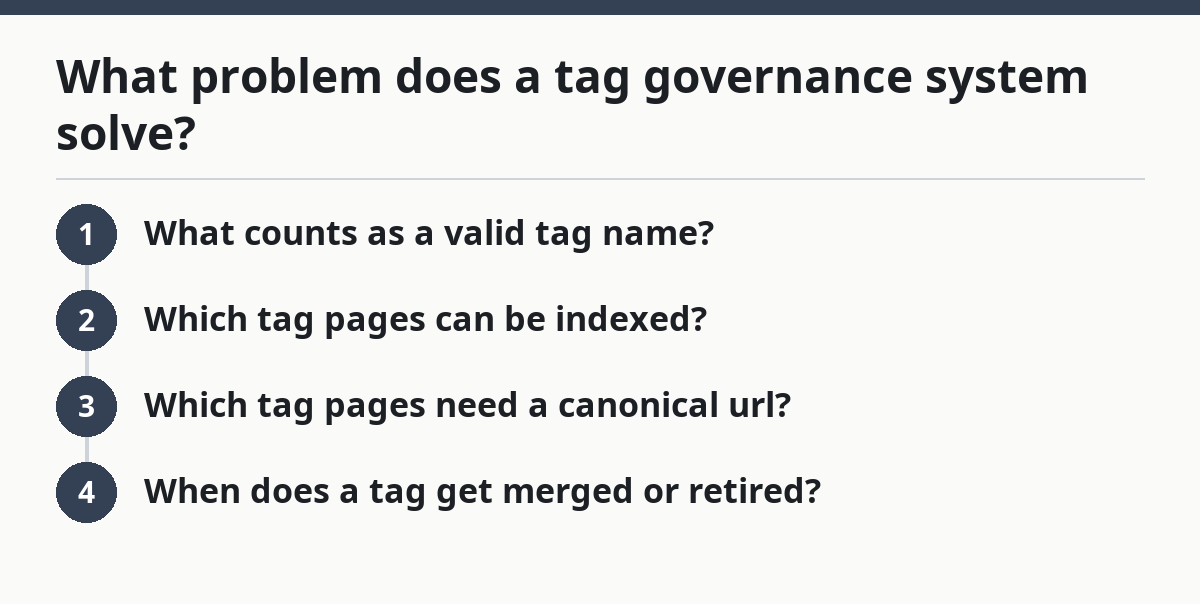
A practical governance system answers four questions in writing:
- What counts as a valid tag name?
- Which tag pages can be indexed?
- Which tag pages need a canonical url?
- When does a tag get merged or retired?
That sounds simple, but the cost of skipping it shows up fast. One unmanaged tag set can create dozens of low-value archive pages, and the cleanup later takes far longer than setting the rules at the start.
What rules should tag names follow?

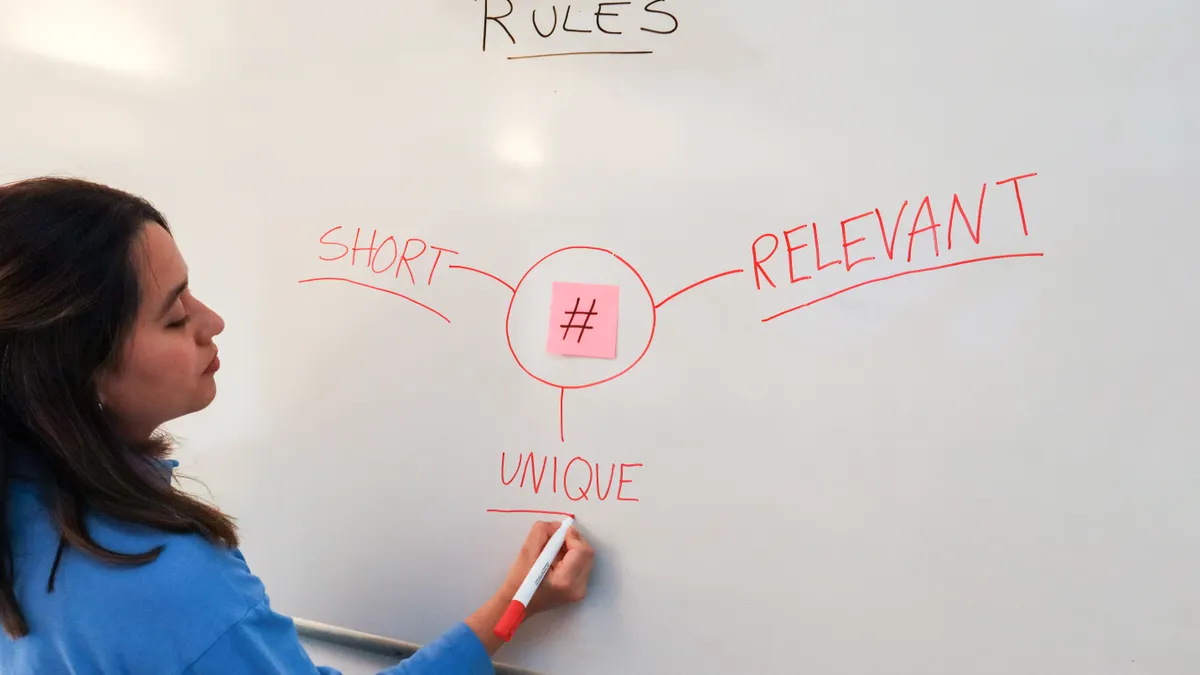
Tag names should follow one naming standard, one meaning, and one format. A tag is safest when it uses a short, plain label that a writer can apply in under 10 seconds without guessing.
A good rule set usually covers these points:
- Use singular or plural in one fixed way.
- Avoid near-duplicates like “trial,” “free trial,” and “free trials.”
- Keep punctuation simple, usually letters, numbers, and one separator style if needed.
- Block vague labels like “other,” “misc,” or “general.”
- Prefer names that describe a stable topic, not a temporary campaign.
The main trade-off is speed versus control. Loose naming lets writers tag faster, but it creates cleanup work later. Tight naming slows the first click in the cms, but it keeps tag archives from splitting into several versions of the same idea.
A naming rule should also define the “source of truth” for the label list. In practice, that means one approved list inside the cms, not a free-form field that anyone can expand. If the cms allows ad hoc creation, duplicate tags will appear no matter how good the policy document looks.
One useful check is the “would two people invent the same tag?” test. If the answer is yes, the system needs a controlled vocabulary and a review step before publication. That is especially important when the blog covers product launches, pricing, integrations, and workflow terms that sound close but do different jobs.
How should indexing rules work?
Indexing rules should make tag pages earn search visibility only when they add distinct value. The easiest mistake is to let every tag archive index by default, which turns a content management feature into an SEO liability.
A workable policy is simple:
- Index only tags that have enough posts to create a useful archive.
- Noindex tags that are too thin, too redundant, or too similar to another archive.
- Canonicalize duplicate tag variants to one preferred url when the cms cannot remove the extra page.
- Keep the rule consistent across the whole site, not page by page.
Google Search Central’s pages on canonical URLs and indexing are the right baseline for this choice. The point is not to chase every possible archive page into search results; the point is to keep only the archives that serve a clear user need.
A tag page should be indexed when it helps a reader find a focused set of related posts. It should not be indexed when it is just a duplicate list with a different label. A tag page with 2 posts, or one that mirrors a category archive almost exactly, usually adds more noise than value.
The honest trade-off is that some useful pages will stay out of search. That is fine if the tag’s main job is internal browsing inside the site. If a tag is not meant to stand on its own as a search landing page, noindex is often the cleaner choice.
For SaaS teams, the best default is to treat indexation as a decision, not a setting. If the cms gives every new tag an indexable page, the team has to reverse that later. If the system asks for an indexation rule at creation time, the archive stays cleaner from day one.
How do you prevent duplicate tags?

You prevent duplicate tags by controlling creation, cleaning up near-matches, and assigning one canonical tag per idea. The best prevention is not a later audit; it is a rule that makes duplication hard to create in the first place.
Use this core procedure inside the cms:
-
Set one approved tag list before publishing starts.
Start with the tags the blog actually needs, not every possible topic. A list of 20 to 50 approved labels is easier to govern than an open field. -
Create a naming rule for close variants.
Decide in advance whether the system uses “integration” or “integrations,” “tool” or “tools,” and stick to it. That reduces accidental duplicates before they exist. -
Scan for overlap every 30 days.
Review tags that differ by one word, one plural form, or one punctuation mark. This catches labels like “customer onboarding” and “onboarding.” -
Merge duplicates into one primary tag.
Point writers and the cms toward the chosen label, then move posts off the old one. The result should be one archive page, not two. -
Apply a canonical url where both tags still exist temporarily.
Use canonical urls while the old page is being phased out, so search engines see one preferred version. -
Remove or noindex the leftover duplicate.
Once the posts are moved, the duplicate should stop competing for crawl and indexing attention.
This is where many systems fail: they delete the label from the editor menu but leave the archive live. That keeps the duplicate page on the web, where it can still collect links, crawl time, and confusion. The cleaner move is to retire the page in the cms and document the replacement.
What should the hierarchy look like?
The hierarchy should make category archives and tag archives do different jobs. Categories can hold broad editorial buckets, while tags should mark narrower, reusable themes that support browsing and cleanup.
A simple hierarchy keeps the structure understandable:
- Category archives answer “what section is this?”
- Tag archives answer “what specific topic recurs here?”
- One tag should usually belong to one meaning, not three.
- A tag should not act like a second category.
That distinction matters because category archives often become the stronger structural pages on a blog. If tags and categories both target the same phrase, the site splits relevance between two urls and creates a duplicate content risk without gaining anything useful.
A hierarchy also helps with indexation rules. Broad, high-value category archives may deserve indexing, while many tag archives do not. When the cms treats every archive the same, the site loses control over which pages search engines see as the main entry points.
The trade-off here is flexibility versus discipline. A loose hierarchy gives editors more room to classify content quickly. A tighter hierarchy gives the site cleaner archives and fewer overlaps, but it needs a short rule set that writers can actually remember. If the hierarchy takes a 12-step decision tree to use, people will ignore it.
A good test is to ask whether the tag adds a layer the category does not already cover. If the answer is no, the tag is probably duplicate structure, not useful structure.
How should tag retirement work?
Tag retirement should remove dead labels without breaking the archive system or creating new duplicates. A retired tag is not just a deleted word; it is a rule change that needs a replacement path.
Retire a tag when one of these is true:
- It has become a duplicate of another tag.
- It covers a topic the blog no longer publishes.
- It has too little use to justify an indexed archive.
- It overlaps so closely with a category that it adds no value.
The retirement process should include a clear final state. In many cms setups, that means moving posts to the replacement tag, applying the right canonical url or noindex rule during the transition, and then removing the old archive from active use.
Do not leave retired tags in a half-alive state for months. That creates two problems at once: writers keep choosing the old label, and crawlers keep visiting pages that no longer matter. A monthly or quarterly review works better than an annual cleanup, because small problems stay small.
The biggest mistake is deleting a tag without checking what it still points to. That can strand old content under a dead archive and force readers through broken paths. The better move is to define retirement as a three-part action: merge, redirect or canonicalize if needed, then remove from the approved list.
A tag governance system is strongest when retirement is normal, not embarrassing. If the team expects to prune labels every 30 to 90 days, the archive stays lean enough to manage.
What should the governance workflow look like?
The governance workflow should make one person responsible for rules and one repeatable review cycle responsible for cleanup. A system that depends on memory will drift, even if the original rules were good.
A practical workflow is:
- At creation: approve the tag name against the approved list.
- At publish time: decide whether the tag page should index.
- Every 30 days: review duplicates, thin archives, and accidental variants.
- Every quarter: check retirement candidates and category overlap.
- After cleanup: update the approved list in the cms.
The role split matters. Writers should not have to decide every SEO consequence on the fly, and developers should not have to patch every tag by hand after it ships. The governance system works when the cms, the editor, and the SEO rule set all agree on the same label list.
A simple RACI-style setup helps here, even if the team never names it that way. One role approves new tags, one role audits duplicates, and one role makes the cms changes. Without that split, tag cleanup becomes a vague group task that no one owns.
The honest limitation is that tag governance will not fix a messy content plan by itself. It can keep the archives from multiplying, but it cannot decide what the blog should publish in the first place. That is why this page supports the larger SaaS blog structure and content governance hub rather than replacing it.
The payoff is practical: fewer duplicate tag pages, cleaner indexation rules, and less guesswork inside the cms. That is enough to keep a SaaS blog from turning into a pile of near-identical archives.
Should tags be indexed on a SaaS blog?
Not all of them should be indexed. Tags deserve indexation only when the archive has enough distinct posts and a clear user purpose, not just because the cms created a page.
If a tag duplicates a category archive or exists for one or two posts, noindex is usually the cleaner choice. If it groups a stable topic with real browsing value, indexing can make sense.
How do you prevent duplicate tags?
You prevent duplicate tags by controlling the approved tag list and enforcing one naming rule in the cms. The biggest wins come from blocking near-matches like singular versus plural forms and from reviewing tags every 30 days.
When a duplicate slips through, merge it into one primary tag, update the posts, and then retire the extra label. Leaving both live creates duplicate archive pages that compete with each other.
When should blog tags be retired?
Blog tags should be retired when they duplicate another tag, stop reflecting the site’s content, or no longer justify an indexed archive. A tag that has lost its job should not stay on the approved list out of habit.
Retirement works best as a cleanup process, not a one-click delete. Move posts first, confirm the replacement tag, and then remove the old archive from active use.
Drafted with AI; not yet reviewed by a person.